

- Calendars
- Appointment Booking Calendar
- Booking Calendar Contact Form
- CP Multi View Calendar
- Content Tools
- Music Store
- Sell Downloads
- Image Store
- Search In Place
- Theme Switch in Mobile and Desktop
- Loading Page
- Corner Ad
- CodePeople Post Map
- Related Posts
- Music Player for WooCommerce
- Music Player for Easy Digital Downloads
- Galleries
- Smart Image Gallery
- Forms
- CP Contact Form with PayPal
- Calculated Fields Form
- CP Easy Form Builder
- Contact Form to Email
- CP Polls
- Payment Form for PayPal Pro
- Themes
- CodePeople Light
- Food & Diet
- Custom requests
- Quote for custom Calculated Fields formulas

Product type: Wordpress Plugin
Search In Place

Search in Place improves blog search by displaying query results in real time. Search in Place displays a list with results dynamically as you enter the search criteria.
Search in Place groups search results by their type, labeling them as post, page, or custom post types, and highlights the searched terms.
FEATURES
Main Features:
- Performs real time search as you enter search criteria.
- Groups search results by post type (post, page or other post type entered by the user)
- Allows to search in common post fields and metadata associated
- Allows to search in taxomies associated to the post
- Includes the integration with the most popular plugins for ecommerce in WordPress
- Use a friendly AJAX technology for searching
- Allows to highlight the keywords used to run the search, in search results and resulting pages.
- Allows to limit the number of elements in the dynamic search results.
- Allows to customize the box colors
The plugin converts the website's search boxes into search in places. Furthermore, the plugin allows to insert additional search boxes using the shortcode: [search-in-place-form]
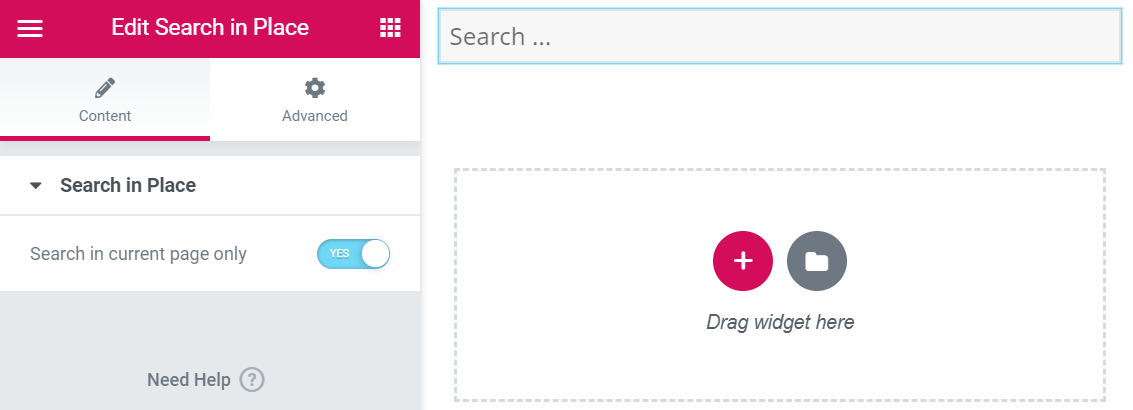
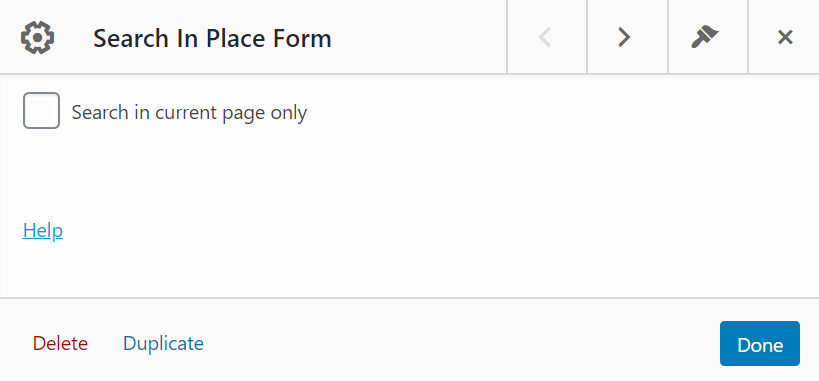
For searching in the current page only, insert the shortcode with the in_current_page attribute: [search-in-place-form in_current_page="1"]
For inserting the shortcode in the website's pages it is possible to use the specific integrations with the editors: Gutenberg, Elementor, or the widget for Page Builder by SiteOrigin. For the other editors, insert the shortcode.
Screenshots
The dynamic search results
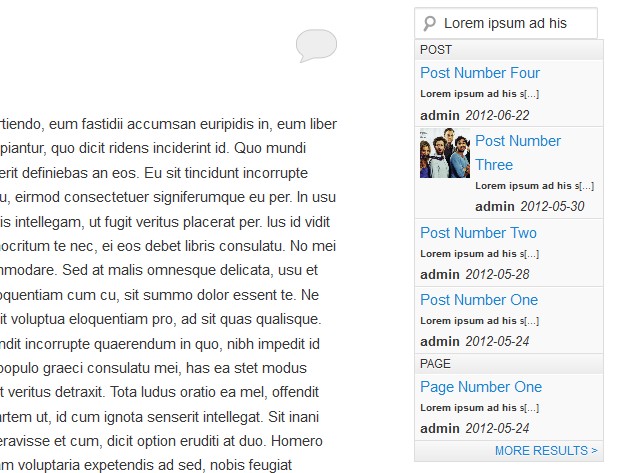
The search in current page box and results
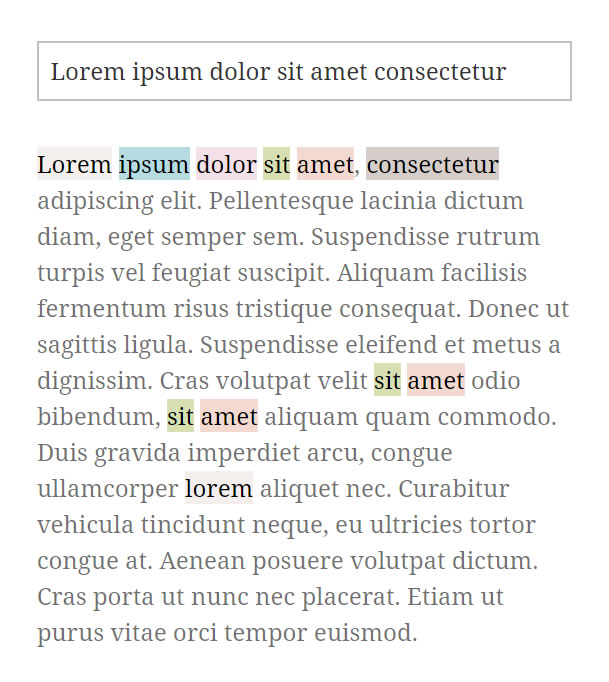
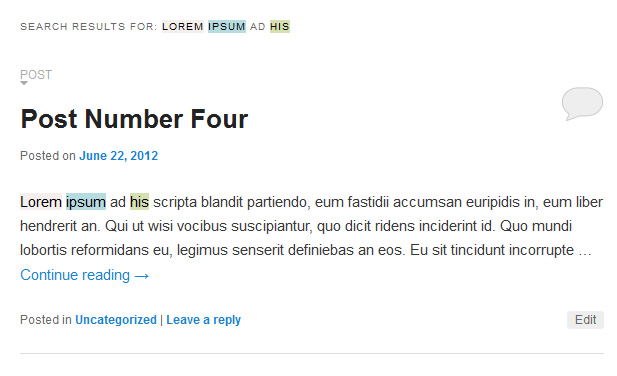
The search results page with highlight text and result type label
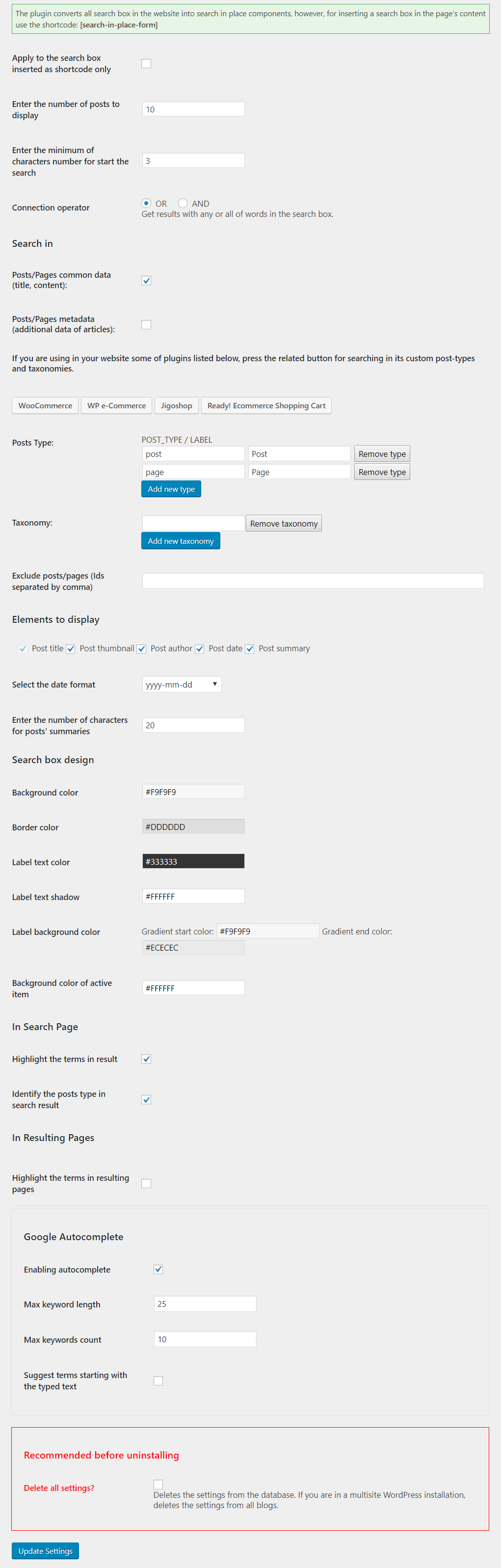
Live demo
You can test the following live demo of the pro version:

DOWNLOAD
- Doesn't include highlight texts
- Doesn't include labels in the search results page
- Doesn't include technical support (60 days of support service can be purchased for EUR 25)

No registration required.
- Allows highlight the criteria for searching in results
- Allows the searching in metadata and taxonomies associated to the post
- Allows to exclude posts/page from searching
- Allows to define additional post types to be considered for searching
- Includes the integration with popular plugins like: WooCommerce, WP e-Commerce, Jigoshop, Ready! Ecommerce Shopping Cart and more
- Include labels in the search results page
- Allows to customize the box colors
- Includes 60 days of technical support
|
After payment you will be redirected to a direct-download page and the download link will be emailed to the payment address.
The cost of the pro version is a one-time payment required to download it. The one-time payment gives you right to use the plugin in your websites for an unlimited time, access to future updates and access to 60 days of free technical support. |